
Quick Answer
Learn how to add a clan crest in Lineage 2, the correct BMP requirements, alliance crest rules, common crest upload errors, and where to download ready-made crest assets.
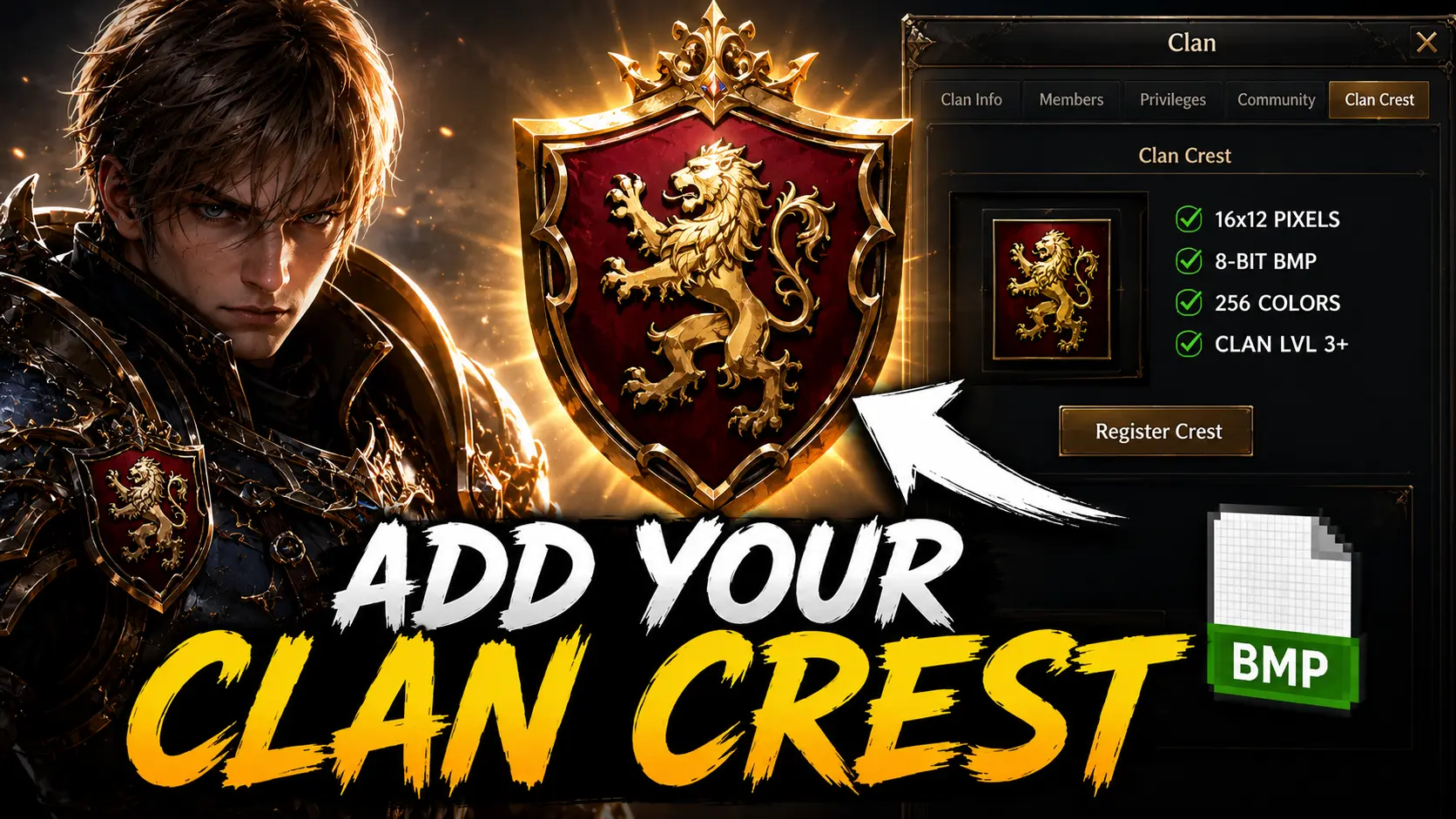
Adding a clan crest in Lineage 2 is a very simple process, as long as your image is prepared the right way. The game client is strict with crest files, so before trying to upload one, make sure the file has the correct size, color mode, and BMP format. If you are still learning how private server systems differ from one project to another, read the Beginner Guide to Lineage 2 Private Servers first for wider context.
To register a clan crest, your clan must be level 3 or higher. If the clan is below level 3, the crest option will not be available.
Steps to Set a Clan Crest
- Prepare your crest file and save it somewhere easy to access, for example
C:\crest.bmp. - Log into the game using the clan leader character.
- Press
Alt + Cto open the Clan window. - Find and click the Register Crest or Set Crest button.
- Select your BMP crest file from your computer.
- Confirm the selection and the crest should appear in the clan window.
Once uploaded successfully, the crest can also appear next to your clan name and on the character title area, depending on the server and chronicle.
If the crest button is disabled, the most common reasons are simple: either the clan is not level 3 yet, or the character you are using is not the clan leader. On some private servers, crest registration may also be handled through a custom command instead of the normal interface, such as /pledge crest C:\crest.bmp.
Lineage 2 Clan Crest Requirements
Lineage 2 does not accept just any image file. The crest must follow specific technical rules or the client will reject it.
| Property | Required Value |
|---|---|
| Image size | 16 x 12 pixels |
| File type | BMP / Windows Bitmap |
| Color mode | 8-bit indexed color |
| Maximum colors | 256 colors |
| Transparency | Not supported |
| Usual file size | Around 246 to 1,078 bytes |
| Required clan level | Level 3 or higher |
The standard clan crest size for most Lineage 2 chronicles, including projects listed under Interlude, High Five, Classic, and Essence, is 16x12 pixels.
Some very old chronicles, especially early C1 to C3 versions, may use different crest dimensions such as 8x12 pixels. If your crest is saved correctly but still rejected, your server chronicle may be using an older crest format.
Alliance Crest Requirements
Alliance crests are different from clan crests. They are smaller and are usually displayed next to the clan crest in chat, player information, and other UI areas.
| Property | Required Value |
|---|---|
| Image size | 8 x 12 pixels |
| File type | BMP / Windows Bitmap |
| Color mode | 8-bit indexed color |
| Maximum colors | 256 colors |
| Who can set it | Alliance leader only |
| Where to set it | Alt + C, then the Alliance tab, then Register Ally Crest |
If you are a clan leader but not the alliance leader, the alliance crest option may appear unavailable or greyed out. That is normal.
Download Ready Lineage 2 Clan Crests
You can use ready-made Lineage 2 crests instead of creating one from scratch. Browse the crest sections below and choose any design you like. The article separates clan crest previews from alliance crest assets so the two libraries stay clear.
To download a crest, click the image you want and save it locally. These files are useful as crest source assets and previews. If your server requires a strict BMP upload, convert the chosen crest to the correct BMP format before importing it in-game.
How to use it
How to Create Your Own Custom Lineage 2 Crest
Creating your own clan crest is possible with almost any image editor, but there is one important detail: the file must be saved correctly.
The most common mistake is saving the image as a normal 24-bit BMP. Lineage 2 usually rejects that format. The correct format is 8-bit indexed BMP with 256 colors.
Because the image is only 16x12 pixels, simple designs work best. Avoid tiny text, heavy gradients, or detailed logos, because they will become blurry or unreadable in-game.
Method 1: Create a Crest with Photoshop
- Open Photoshop and create a new file.
- Set the canvas size to 16 pixels wide and 12 pixels high.
- Use a simple design with clear colors.
- Avoid anti-aliasing when possible. The Pencil tool usually works better than the Brush tool.
- Go to Image, then Mode, then Indexed Color.
- Set the palette to Local or Selective and use up to 256 colors.
- Save the file as BMP.
- In the BMP options, select 8 Bit.
Your file should now be ready for Lineage 2.
Method 2: Create a Crest with GIMP
GIMP is a free alternative and works well for making L2 crests.
- Create a new image with size 16x12 pixels.
- Design your crest using simple shapes and strong contrast.
- Disable anti-aliasing in your tools if possible.
- Go to Image, then Mode, then Indexed.
- Choose Generate optimum palette.
- Set the maximum number of colors to 256.
- Export the file as BMP.
When exporting, keep the default BMP settings unless your server requires something specific.
Method 3: Use an L2 Crest Maker Tool
For many players, the easiest option is to use a dedicated Lineage 2 crest converter. These tools usually take a normal image and automatically resize it, reduce the colors, and export it as a valid crest file.
This is useful if you want to convert clan logos, anime icons, symbols, flags, medieval shields, custom artwork, or team emblems into the final crest format quickly.
Common Clan Crest Problems and Fixes
Invalid file format
This usually means the image is not saved as a real 8-bit indexed BMP. Many editors save BMP files as 24-bit by default, even if the file extension is correct. Reopen the image and export it again using indexed color with 256 colors.
Wrong crest size
Lineage 2 requires exact dimensions. For clan crests, the image must be 16x12 pixels. For alliance crests, the image is usually 8x12 pixels. Even a one-pixel difference can cause the upload to fail.
Crest appears black or has wrong colors
This is usually caused by an incorrect palette. The image may look fine in your editor, but the game client reads the colors differently. Rebuild the indexed palette and save the file again as BMP.
Register Crest button is greyed out
- Your clan must be level 3 or higher.
- You must be logged in as the clan leader.
- Some servers may require specific permissions or reputation points.
- Custom servers may disable crest upload through the normal UI.
Crest does not appear immediately
Sometimes the client caches crest images. Relog the character, restart the Lineage 2 client, ask another player to check the crest, or wait a few minutes if the server uses custom caching behavior.
Alliance crest does not work
Alliance crests can only be changed by the alliance leader. If you are only a clan leader inside the alliance, you will not be able to register or change the ally crest.
Final Tips for Better L2 Crests
A good Lineage 2 crest should be simple, sharp, and easy to recognize at a very small size. Since the image is tiny, complicated designs usually look messy in-game.
- Use strong contrast.
- Avoid small letters.
- Use simple symbols.
- Do not rely on transparency.
- Test the crest in-game before adding it to a public crest pack.
- Keep a backup of the original editable file.
Once your BMP file is correctly formatted, adding a clan crest in Lineage 2 takes less than a minute. The hard part is not the upload. It is making sure the tiny BMP gremlin is saved exactly the way the client wants it.
Clan Crest Downloads
Lineage 2 Clan Crests
Browse preview crests from the clan archive. Download any crest directly. If your server requires strict BMP upload, convert the crest to the required BMP format before importing it in-game.
Page 1 of 13
Alliance Crest Downloads
Lineage 2 Clan & Alliance Crests
These alliance crest assets are kept in a separate archive. Download individual designs below.
Page 1 of 5
Key Takeaways
- Steps to Set a Clan Crest
- Lineage 2 Clan Crest Requirements
- Alliance Crest Requirements
- Download Ready Lineage 2 Clan Crests
FAQ
What size should a Lineage 2 clan crest be?
On most chronicles the clan crest should be 16 by 12 pixels and saved as an 8-bit indexed BMP with up to 256 colors.
Why is the Register Crest button greyed out in Lineage 2?
The most common reasons are that the clan is below level 3 or the logged-in character is not the clan leader. Some private servers also use a custom crest registration command.
Can I use JPG or PNG as a clan crest in Lineage 2?
Usually no. The game client normally expects a BMP crest file with the correct size and color mode, even if you use JPG or PNG source assets when designing the crest.
Who can change the alliance crest in Lineage 2?
Only the alliance leader can register or change the alliance crest. A regular clan leader inside the alliance cannot do it.
Does this guide include downloadable Lineage 2 crests?
Yes. The article includes separate downloadable sections for clan crests and alliance crest assets, plus ZIP archives for users who want the full packs.
Related Guides
Related Server Lists
Trust And Methodology